

All Learning Apps
🔍 Explore Learning Apps
Search by app name, description, or tags
JSON Path Compiler
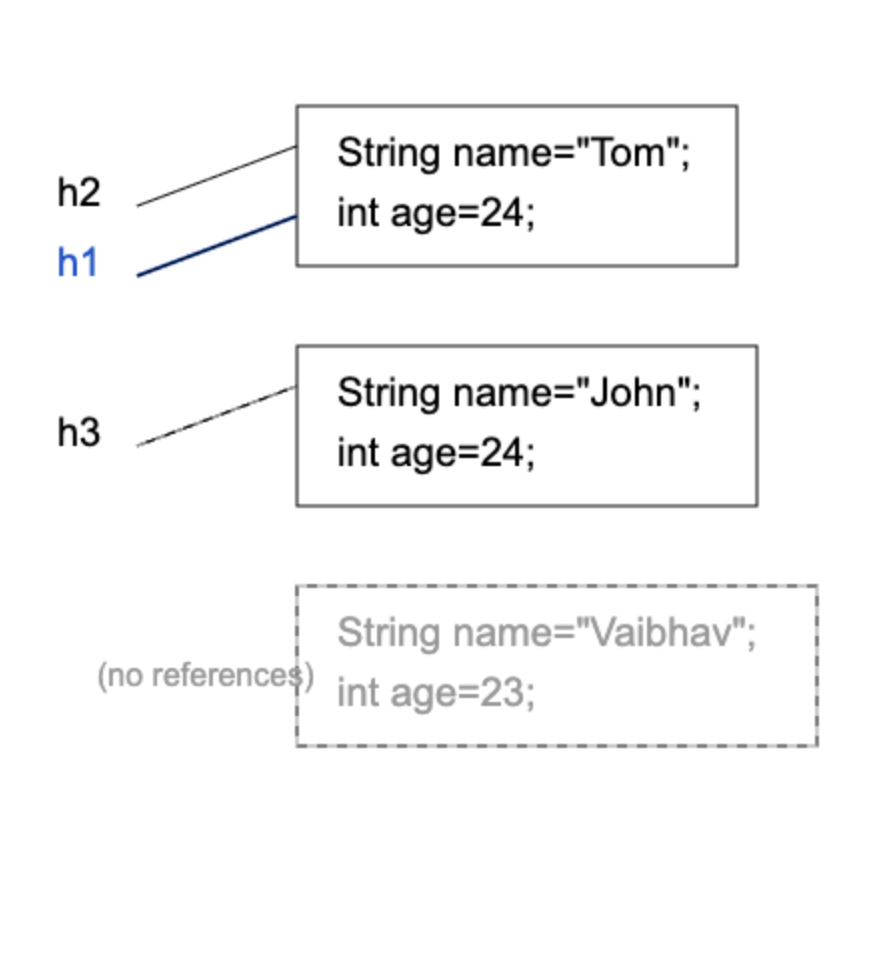
A JSON Path Compiler is a tool that allows developers and testers to write, validate, and execute JSONPath expressions against a JSON document in an interactive way. JSONPath itself is a query language used to navigate and extract specific data from complex JSON structures, similar to how XPath works for XML. JSON Path Compiler Tool like the one you shared provides a UI where you can paste JSON input and test path expressions such as $.store.books[0] or $.students[?(@.marks < 80)]. These tools help in quickly identifying the correct path, debugging queries, and understanding how filters, wildcards, and array indexing work in real-time.
From a developer perspective, especially in API testing and data validation, a JSON Path Compiler improves productivity by eliminating trial-and-error coding. Instead of writing code repeatedly, you can experiment with expressions and directly see the output, which is very useful in tools like Postman, RestAssured, or automation frameworks. JSONPath expressions typically start with the root symbol $ and use dot or bracket notation to traverse nested objects and arrays, making it easy to extract targeted data from large payloads. Overall, a JSON Path Compiler acts as a debugging and learning utility that simplifies working with JSON data in modern applications.
Simple Date Formatter
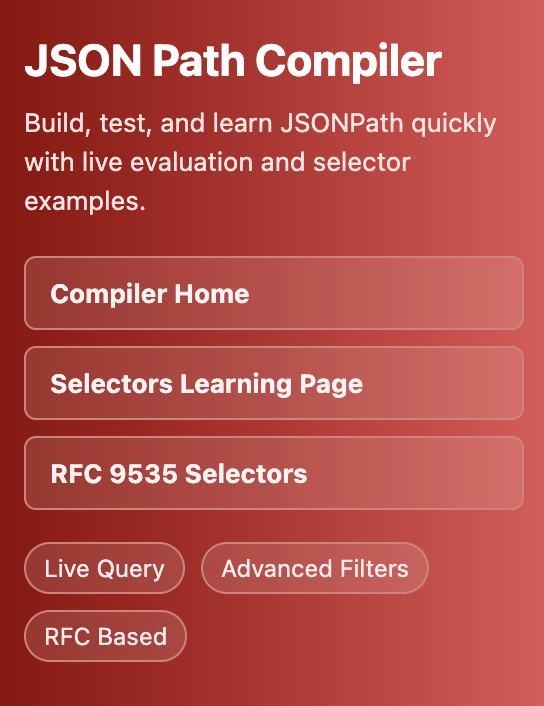
A Simple Date Formatter is a utility tool that allows developers and testers to convert date values into readable and customized formats using predefined patterns. It is commonly used in applications where dates need to be displayed in different formats such as dd-MM-yyyy, MM/dd/yyyy, or yyyy-MM-dd HH:mm:ss. Tools like the one you shared help users quickly experiment with date patterns and instantly see formatted output without writing code. This concept is widely based on formatting mechanisms similar to Java’s SimpleDateFormat, which converts date objects into strings and also supports parsing strings back into dates.
From a practical standpoint, a Simple Date Formatter improves productivity by eliminating manual effort and reducing formatting errors. Developers can easily test multiple formats, validate input/output consistency, and ensure that date representations align with regional or business requirements. These tools are especially useful in backend development, API responses, logging, and UI display where consistent date formatting is critical. Overall, a Simple Date Formatter acts as both a learning tool and a quick validation utility for handling date and time transformations efficiently in modern applications.
Cronopedia - Cron Expression Generator
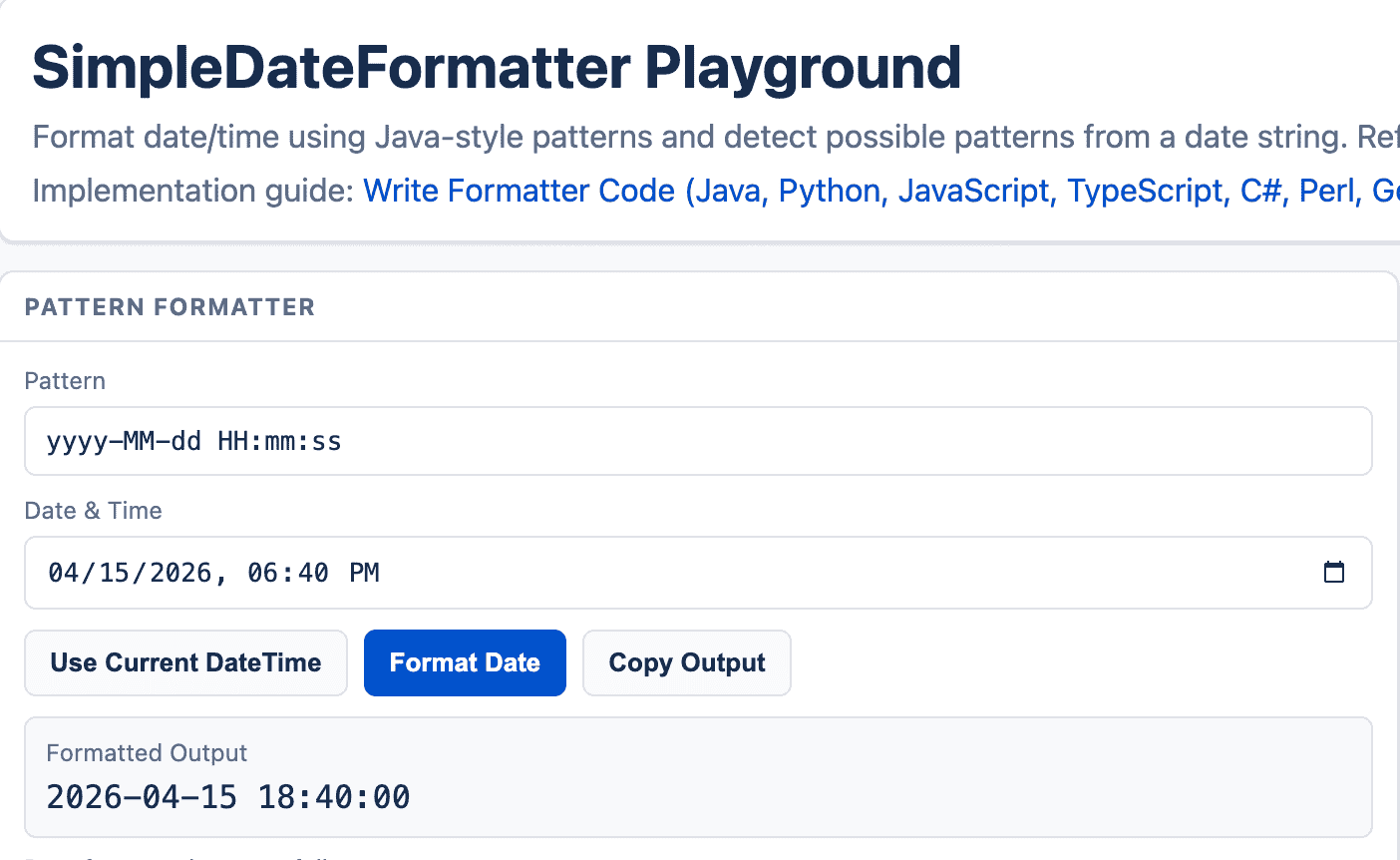
A Cron Expression Generator is a developer-friendly tool used to create and validate cron expressions, which are strings that define when a scheduled task should run. Cron expressions are widely used in Unix-based systems, CI/CD pipelines, and cloud platforms to automate repetitive jobs like backups, data processing, or report generation. These expressions typically consist of 5–7 fields (such as minute, hour, day, month, and weekday) that together define the exact execution schedule. Cron Expression Generator Tool simplifies this process by allowing users to select values through an intuitive interface instead of memorizing complex syntax.
From a practical perspective, a Cron Expression Generator improves productivity and reduces errors by converting human-readable schedules (like "every 5 minutes" or "daily at 6 PM") into valid cron syntax. It often includes features such as real-time validation, human-readable descriptions, and previews of upcoming execution times, helping developers verify correctness before implementation. These tools are especially useful in backend systems, automation frameworks, and DevOps workflows where incorrect scheduling can lead to failures or performance issues. Overall, a Cron Expression Generator acts as both a learning aid and a reliable utility for building accurate, error-free scheduling logic.
Version Control Visualization
Version control is a system that helps developers track and manage changes to code over time. It allows teams to work on the same project simultaneously without overwriting each other’s work, by maintaining a history of modifications, branches, and versions. Tools like Git enable developers to revert to previous versions, compare changes, and collaborate efficiently across distributed teams. In modern software development—especially in microservice architectures and CI/CD environments—version control is essential for maintaining code quality, traceability, and smooth deployments.
However, learning version control comes with its own challenges, especially for beginners or professionals transitioning from non-collaborative environments. Concepts like branching, merging, rebasing, and conflict resolution can be confusing initially. Teams often struggle with maintaining proper commit practices, understanding workflows (like GitFlow), and avoiding merge conflicts. Training becomes critical to ensure developers follow consistent standards, write meaningful commit messages, and use version control effectively as part of the development lifecycle rather than just a code storage tool.
Number System Converter
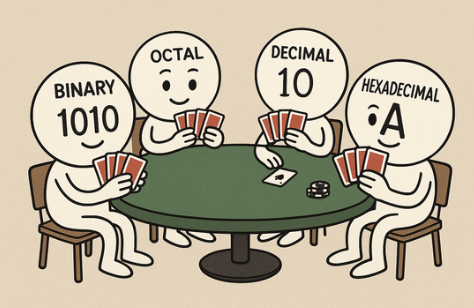
Number System & Floating-Point Converter is a lightweight, intuitive web app designed for students, developers, and engineering professionals who work with numeric representations and binary arithmetic. The tool seamlessly converts numbers across the four core systems—Binary (base 2), Octal (base 8), Decimal (base 10), and Hexadecimal (base 16)—and now includes support for Floating-Point Binary (IEEE-754) representations, making it ideal for both beginners and advanced users.
Key Features:
- Four fields – one for each number system: binary, octal, decimal and hexadecimal.
- Convert decimal floating-point values into 32-bit (Single Precision) and 64-bit (Double Precision) with Sign bit, Exponent bits, Mantissa/Fraction bits
- Real-time conversion: Simply type a value in any field and the other three update instantly, with a clear “Conversion Steps” section that displays how the value was transformed.
- Reset option: Clear all fields with a single “Reset All” button to start fresh.
- Transparent conversion logic: The “Conversion Steps” pane shows the step-by-step workings, making it ideal for learning or verifying conversions.
Why Use This App:
- Perfect for learners wanting to understand how number system conversions work behind the scenes.
- Handy tool for developers and testers who frequently deal with binary, octal or hexadecimal representations.
- Quick, no-installation web app: Just open in your browser and start converting.
- Streamlines tasks in domains like embedded systems, computer architecture, digital electronics or QA testing where number base conversions are common.
Java Object Memory Visualizer
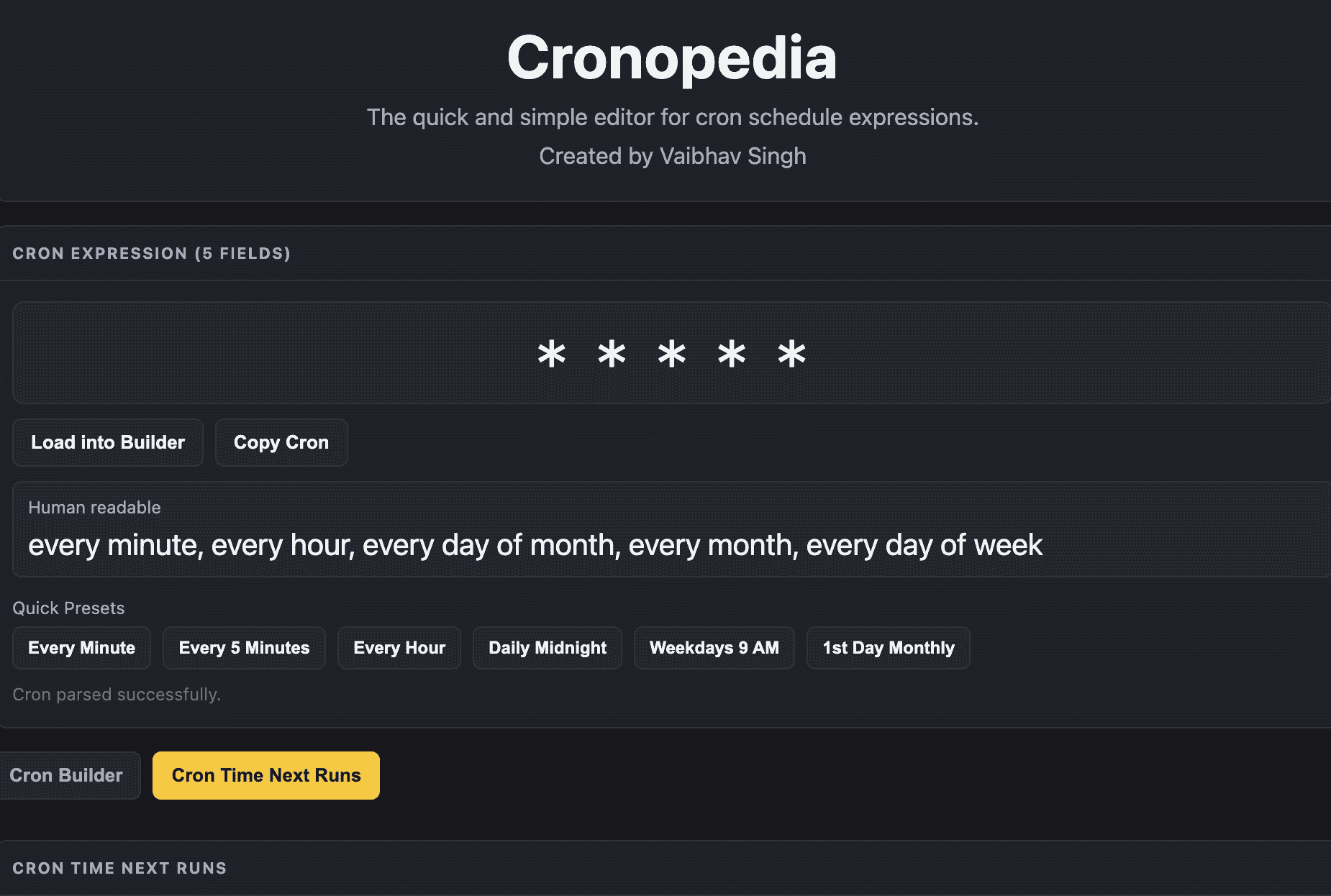
The Java Object Visualizer is a powerful and intuitive web-based tool designed to help developers, testers, QA engineers, and software architects visualize complex Java object graphs with ease. By simply inputting or pasting serialized Java object data (or generating it via code), the tool instantly renders an interactive, structured diagram that illustrates classes, fields, object references, and their relationships in real time.
This application serves as an essential debugging and learning aid, providing clear insights into how Java objects are instantiated, referenced, and managed in memory.
Key Features
- Comprehensive Visualization: Displays classes, instance variables, and static variables in a structured graphical format.
- Real-Time Reference Tracking: Monitors and visualizes changes to object references dynamically, reflecting updates instantly.
- Non-Reference Object Handling: Clearly distinguishes between reference and non-reference objects for accurate structural interpretation.
- Garbage Collection Insights: Highlights objects eligible for garbage collection, aiding memory management analysis.
- Lightweight & Web-Based: No installation required — runs seamlessly in any modern browser.
Why Use This Tool
The Java Object Visualizer is an invaluable resource for Java professionals who seek a deeper understanding of object behavior and memory management within their applications.
It is especially beneficial when:
- Exploring unfamiliar codebases to quickly comprehend object relationships and dependencies.
- Debugging memory-related issues, such as null references, cyclic dependencies, or dangling objects.
- Teaching or mentoring developers about Java object internals, including classes, fields, and reference structures.
- Gaining a quick, visual “eyes-on” perspective of runtime object states without relying solely on logs or debuggers.